
In this tutorial, we will show you how to install Bauh on Ubuntu 22.04 LTS. Bauh is a versatile application manager for Linux that bridges the gap between multiple package managers, making it a powerful and efficient tool for managing software. By the end of this guide, you’ll be equipped with the knowledge to harness the potential of Bauh for all your application management needs.
This article assumes you have at least basic knowledge of Linux, know how to use the shell, and most importantly, you host your site on your own VPS. The installation is quite simple and assumes you are running in the root account, if not you may need to add ‘sudo‘ to the commands to get root privileges. I will show you the step-by-step installation of the Bauh management of Linux applications on Ubuntu 22.04. You can follow the same instructions for Ubuntu 22.04 and any other Debian-based distribution like Linux Mint, Elementary OS, Pop!_OS, and more as well.
Prerequisites
- A server running one of the following operating systems: Ubuntu 22.04, 20.04, and any other Debian-based distribution like Linux Mint.
- It’s recommended that you use a fresh OS install to prevent any potential issues.
- SSH access to the server (or just open Terminal if you’re on a desktop).
- An active internet connection. You’ll need an internet connection to download the necessary packages and dependencies for Bauh.
- A
non-root sudo useror access to theroot user. We recommend acting as anon-root sudo user, however, as you can harm your system if you’re not careful when acting as the root.
Install Bauh on Ubuntu 22.04 LTS Jammy Jellyfish
Step 1. First, make sure that all your system packages are up-to-date by running the following apt commands in the terminal.
sudo apt update
sudo apt upgrade
Step 2. Installing Required Dependencies.
Now run the following commands to install the required dependencies for Ubuntu distro:
sudo apt install python3 python3-pip python3-yaml python3-dateutil python3-pyqt5 python3-packaging python3-requests
Step 3. Installing Bauh on Ubuntu 22.04.
- Method 1: Using pip
With pip installed, you can easily install Bauh:
sudo pip3 install bauh
This command fetches the latest version of Bauh and installs it on your system.
- Method 2: Using Snap (Optional)
Snap is another convenient method for installing Bauh. To use Snap, execute:
sudo snap install bauh
Snap packages are self-contained and come with their dependencies, making installation and management straightforward.
To confirm that Bauh has been successfully installed, open your terminal and run:
bauh --version
This command should display the installed version of Bauh, indicating a successful installation.
Step 4. Accessing Bauh on Ubuntu.
Once the installation is complete, you can launch Bauh from the Applications menu or by running the following command:
bauh
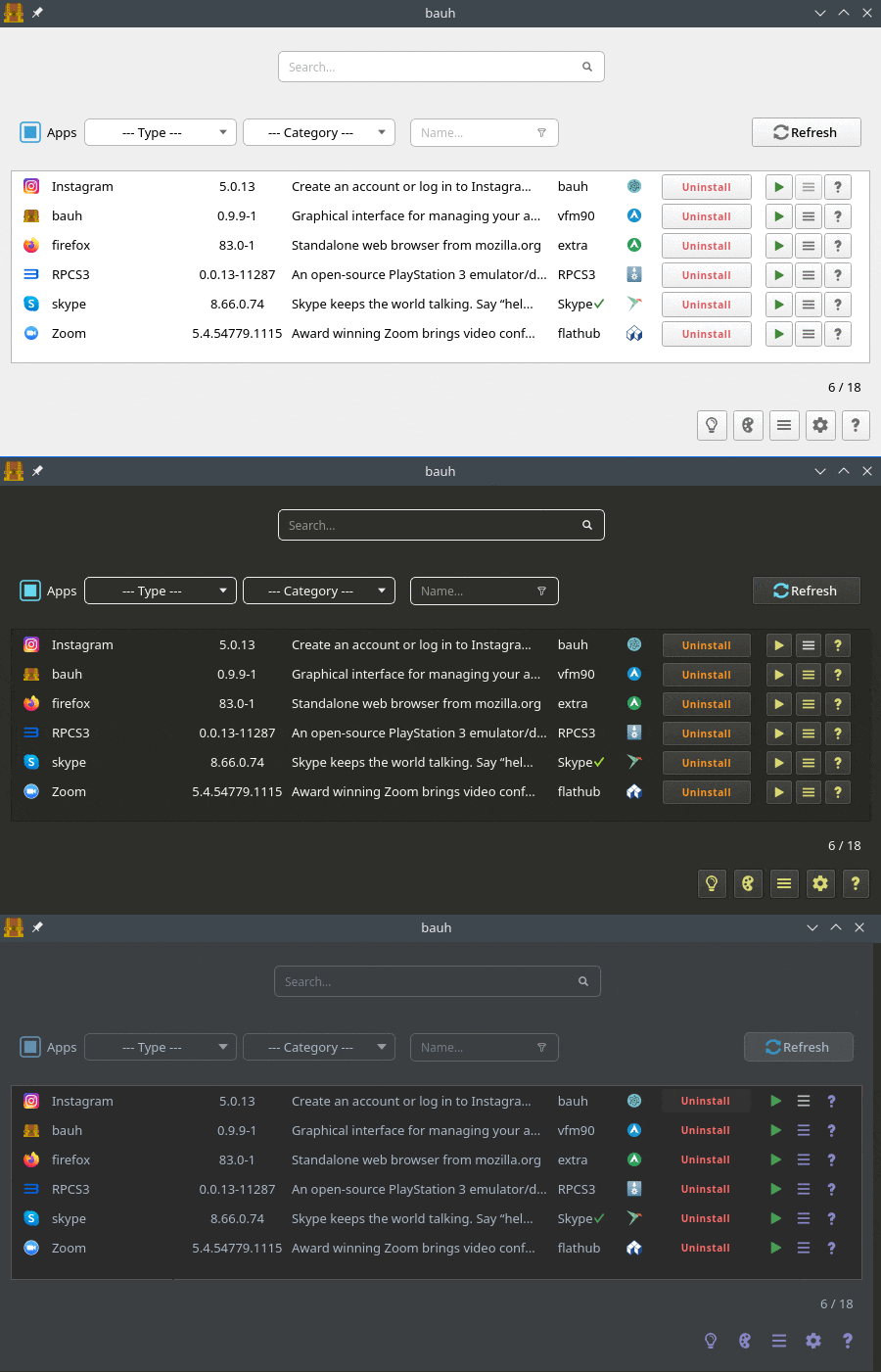
Congratulations! You have successfully installed Bauh. Thanks for using this tutorial for installing the Bauh management of Linux applications on the Ubuntu system. For additional help or useful information, we recommend you check the official Bauh website.